
 👀 Choose SSD-powered VPS servers for increased speed, power, and security! Now 50% off- starting from only $3.19/mo.
This article provides a guide for troubleshooting connections and errors with Rad Cloud WHMCS server module.
Common Errors and Solutions
- Module Command Error: "Could not load the server data (Server IP: XX.XX.XX.XX)"
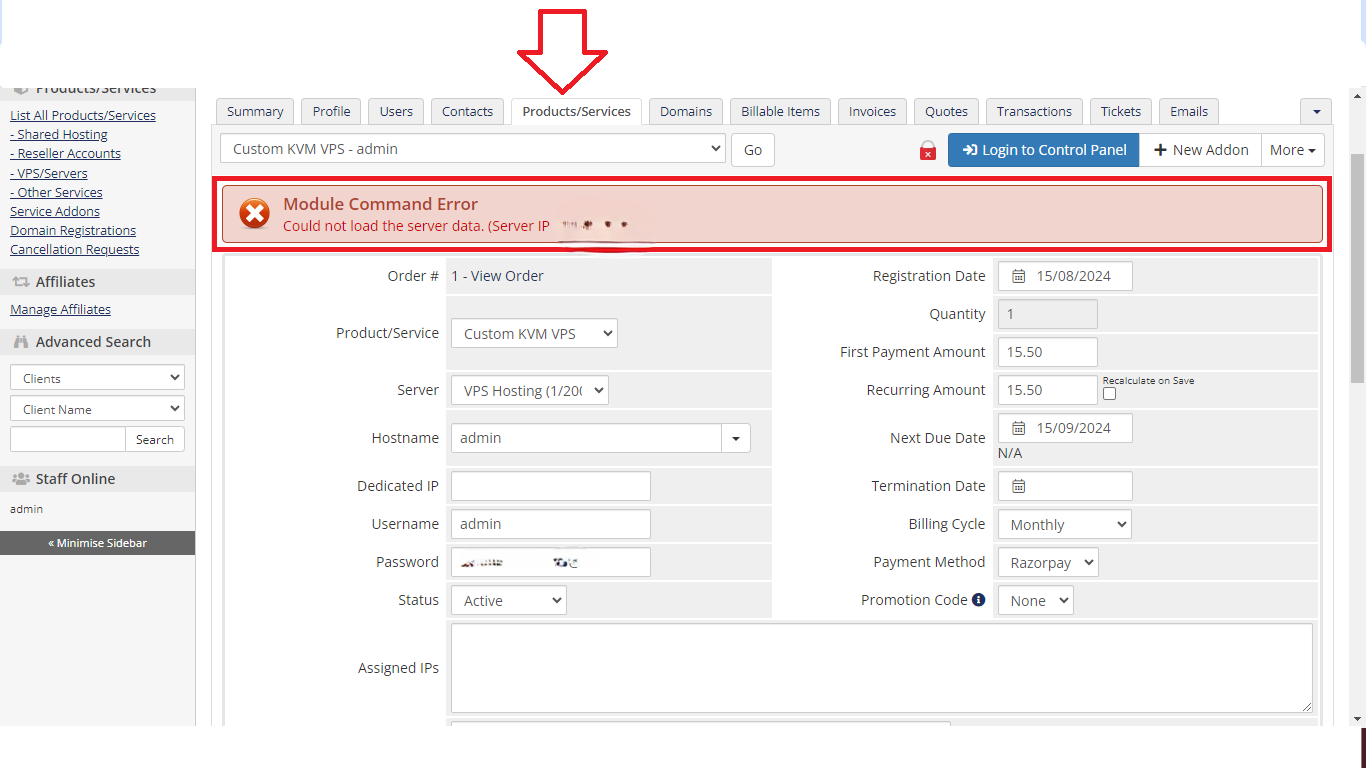
- The most common cause of this is server not listening on the required ports (4081:4085).
- To resolve, go back to WHMCS Admin -> Settings -> Products/Services -> Servers -> Rad_cloud Server to verify the connection.
- The most common cause of this is server not listening on the required ports (4081:4085).
Reporting Errors
Report errors with the Rad Cloud WHMCS VPS Reseller server module by opening a support ticket.
