
 👀 Choose SSD-powered VPS servers for increased speed, power, and security! Now 50% off- starting from only $3.19/mo.
This article provides a guide demonstrating how to clone WordPress installation with WordPress Manager.
How to Clone WordPress Installation with WordPress Manager
To clone WordPress installation with WordPress Manager, follow the steps below:
- Access the WordPress Manager from cPanel.
- Select the site that for which you will sign on to WordPress admin panel.
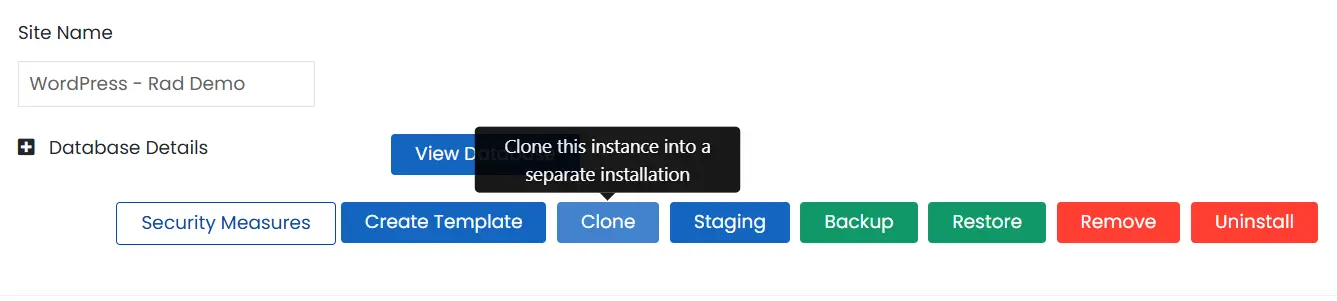
- Click "Clone" to clone the WordPress installation.
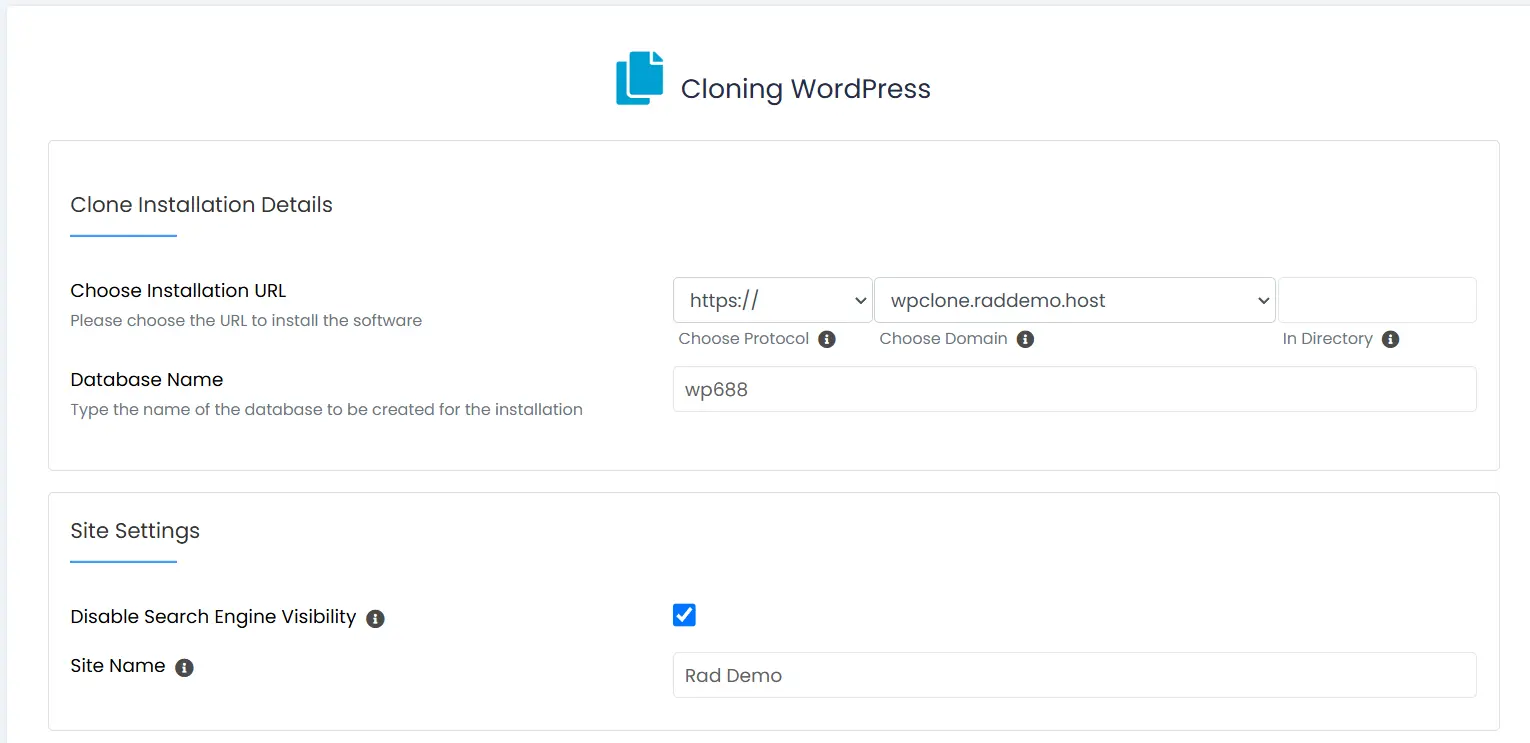
- Fill in Clone installation details.
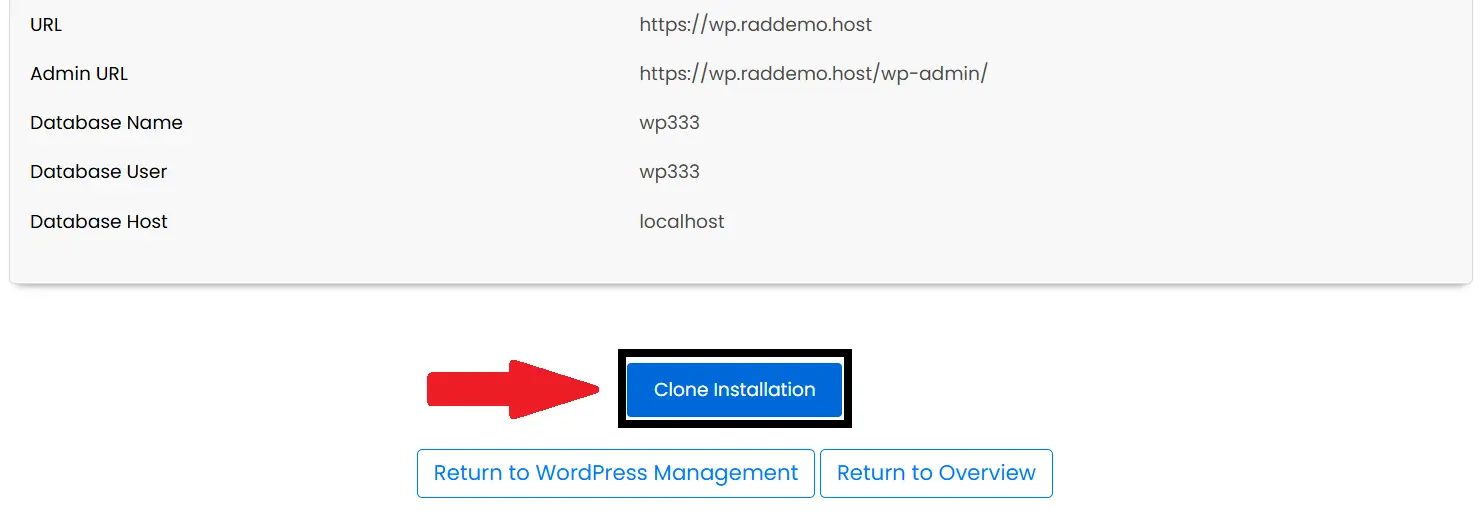
- Click "Clone Installation" to initiate the clone.
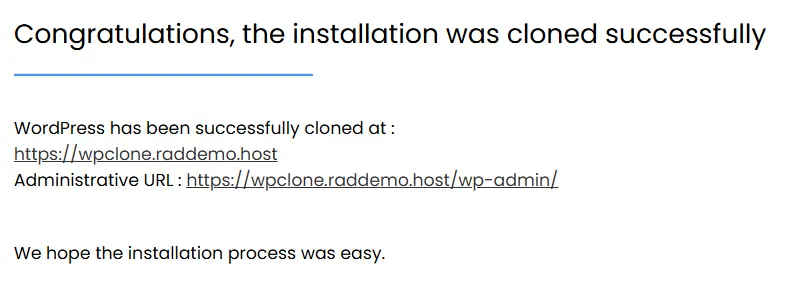
- A notice will appear upon successful completion with the cloned site details:
- Click "Clone Installation" to initiate the clone.
Conclusion
You now know how to clone WordPress installation with WordPress Manager.
