
 👀 Choose SSD-powered VPS servers for increased speed, power, and security! Now 50% off- starting from only $3.19/mo.
This article provides a guide for how to install Imunify Email on WHM cPanel server.
What is Imunify Email?
Imunify Email is an outbound email monitoring and spam protection system that can be added to Imunify360 security suite.
Prerequisites
In order to complete this guide, the following circumstances must be met:
- cPanel VPS or Dedicated Server with cPanel
- Imunify360 must be installed with a valid license
- As usual, ensure SELinux is disabled on server
- Ensure port 11335 (UDP) is open
How to Install Imunify Email on cPanel WHM Server
To install Imunify Email on cPanel WHM server, follow the steps below:
- SSH the server as root-equivalent user.
- Run the following command:
wget -4 https://repo.imunify360.cloudlinux.com/defence360/imunifyemail-deploy.sh bash imunifyemail-deploy.sh - Navigate to the Imunify360 plugin from the WHM plugins.
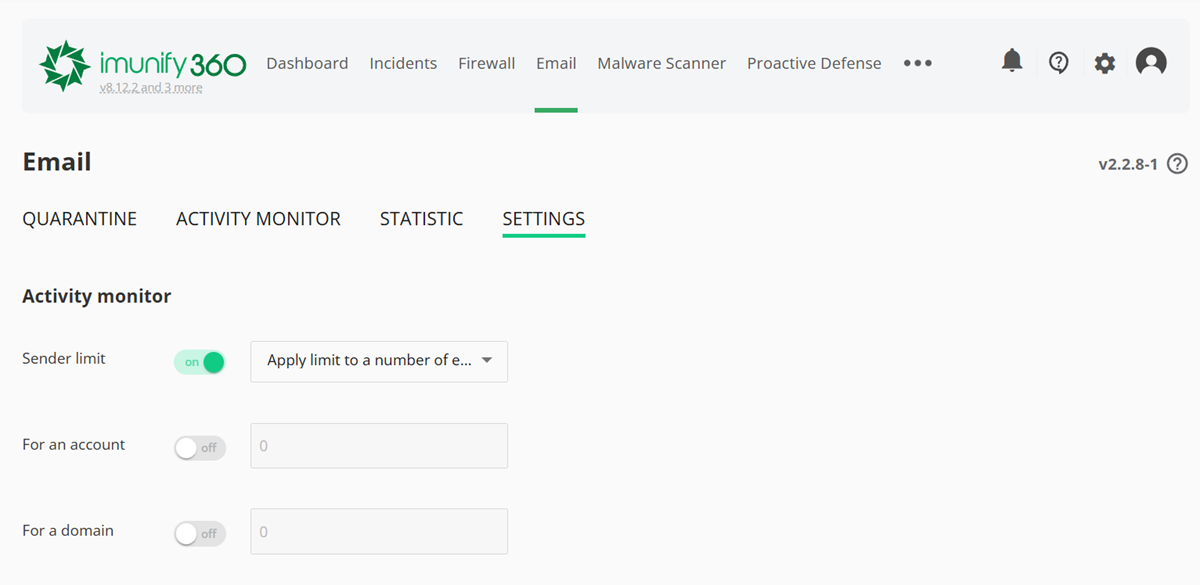
- Configure the email settings by using the "Email" tab, which is available after the installation.
Conclusion
You now know how to install Imunify Email on cPanel WHM servers.
