
 👀 Choose SSD-powered VPS servers for increased speed, power, and security! Now 50% off- starting from only $3.19/mo.
This article provides a guide detailing how to install LiteSpeed Web Server on cPanel WHM server.
How to Install LiteSpeed Web Server on cPanel WHM Server
To install LiteSpeed Web Server on cPanel WHM server, follow the steps below:
-
SSH your server as root and run the following commands:
cd /usr/src
wget http://www.litespeedtech.com/packages/cpanel/lsws_whm_plugin_install.sh
sh ./lsws_whm_plugin_install.sh
rm -f lsws_whm_plugin_install.sh
wget https://litespeedtech.com/packages/cpanel/buildtimezone.sh
chmod a+x buildtimezone.sh
sudo ./buildtimezone.sh
- Login to WHM as root user.
- Navigate to WHM -> Plugins and click on the LiteSpeed Web Server plugin.
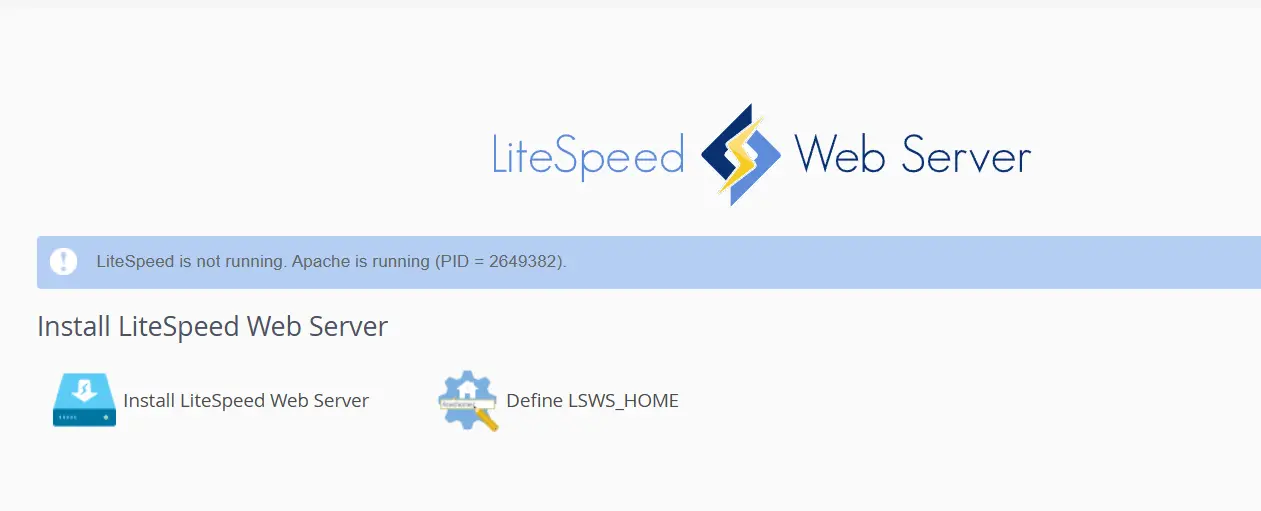
- Click "Install LiteSpeed Web Server" to initiate the installation procedure.
- Accept the license agreement and confirm the installation details including license key or trial license.
- Click "Install" to begin installation.
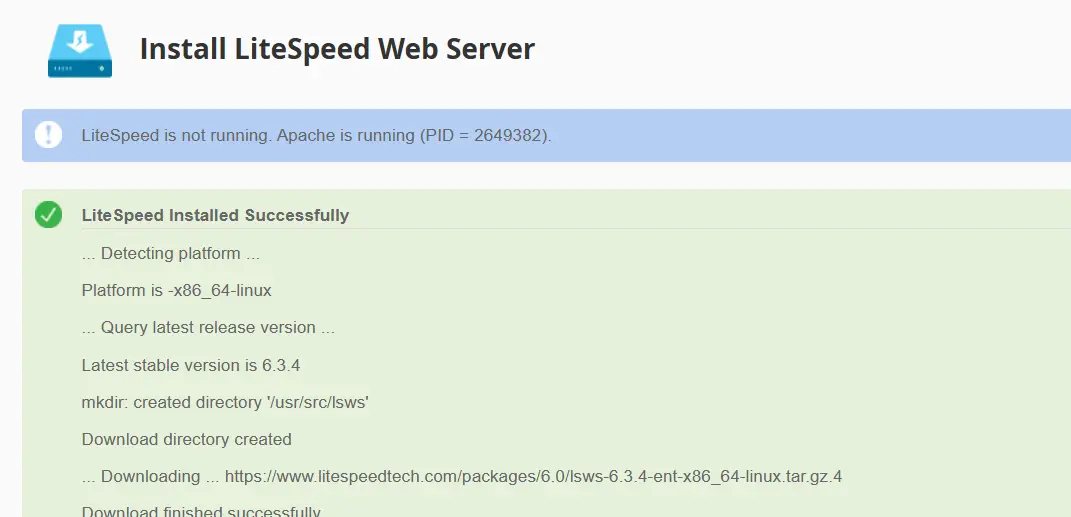
- Upon completion of installation, the page will refresh and display a log of the installation.
Conclusion
You now know how to install LiteSpeed Web Server on cPanel WHM server.4
