
 👀 Choose SSD-powered VPS servers for increased speed, power, and security! Now 50% off- starting from only $3.19/mo.
This article provides a guide for verifying a cPanel license.
Check cPanel IP Address
To check cPanel IP address, run command as root user:
# curl -w '\n' -s http://myip.cpanel.net/v1.0/
Example Successful Output:
[root@cp ~]# curl -w '\n' -s http://myip.cpanel.net/v1.0/
 127.0.0.1
[root@cp ~]#
Verify cPanel License
To check cPanel license, run command as root user:
# /usr/local/cpanel/cpkeyclt
Example Successful Output:
[root@cp ~]# /usr/local/cpanel/cpkeyclt
Updating cPanel license...Done. Update succeeded.
Building global cache for cpanel...Done
[root@cp ~]#
Check Whether Server Can Resolve cPanel Servers
To check cPanel license, run command as root user:
# host auth.cpanel.net
Example Successful Output:
[root@cp ~]# host auth.cpanel.net
auth.cpanel.net has address 208.74.121.82
auth.cpanel.net has address 208.74.121.86
auth.cpanel.net has address 208.74.123.2
auth.cpanel.net has address 208.74.121.83
auth.cpanel.net has address 208.74.123.3
auth.cpanel.net has address 208.74.121.85
[root@cp ~]#
Useful Resources
- How to Find the IP of cPanel/WHM Server
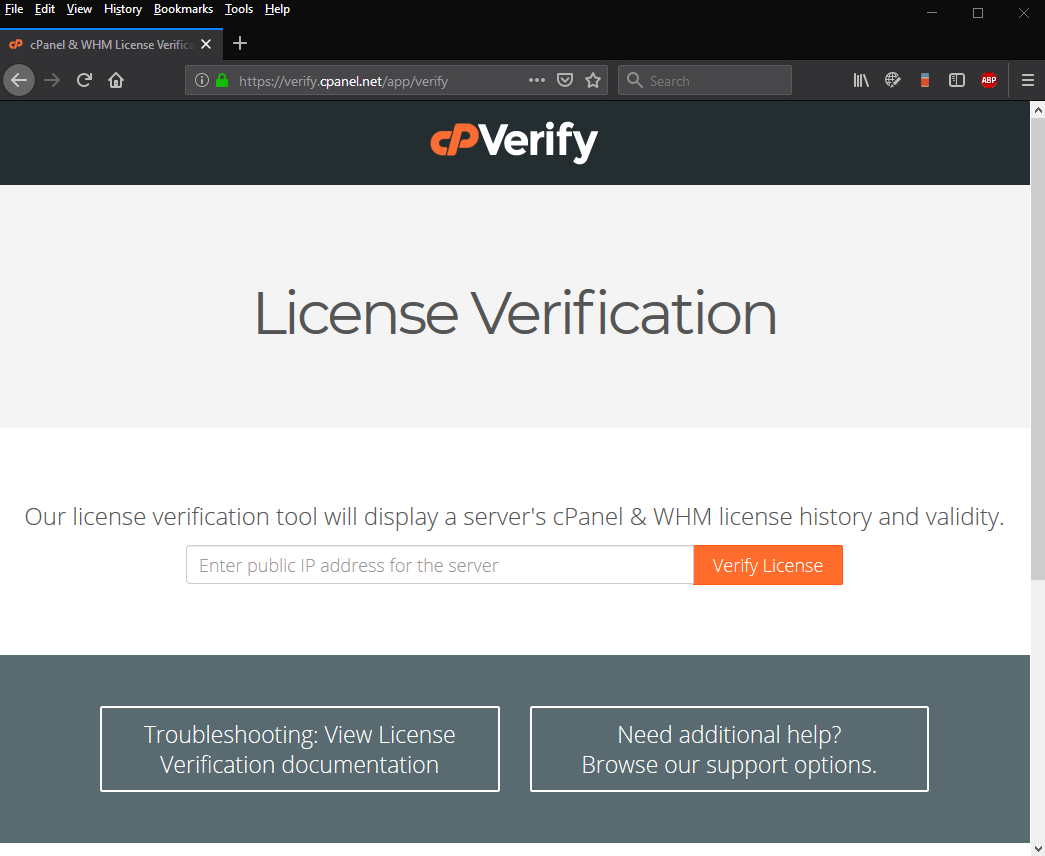
- Verify cPanel License
- Order a dedicated server with cPanel
- Order a VPS with cPanel
- Order a Cheap cPanel License
- cPanel/WHM Features

