
 👀 Choose SSD-powered VPS servers for increased speed, power, and security! Now 50% off- starting from only $3.19/mo.
This article will show you how to request a refund for a product or service at Rad Web Hosting.
How to Request a Refund
Info! All refund requests are subject to the Refund Policy.
To request a refund, please follow the steps below:
- Login to the Hosting Dashboard.
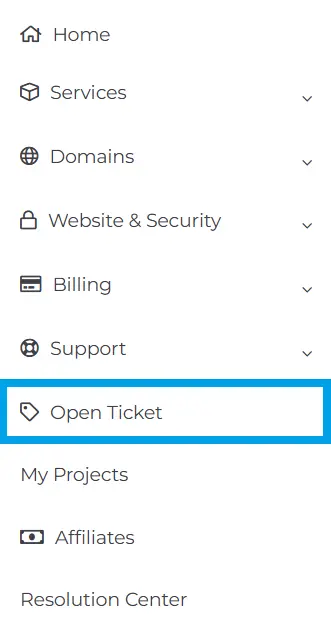
- Navigate to "Open Ticket" using the navigation menu:
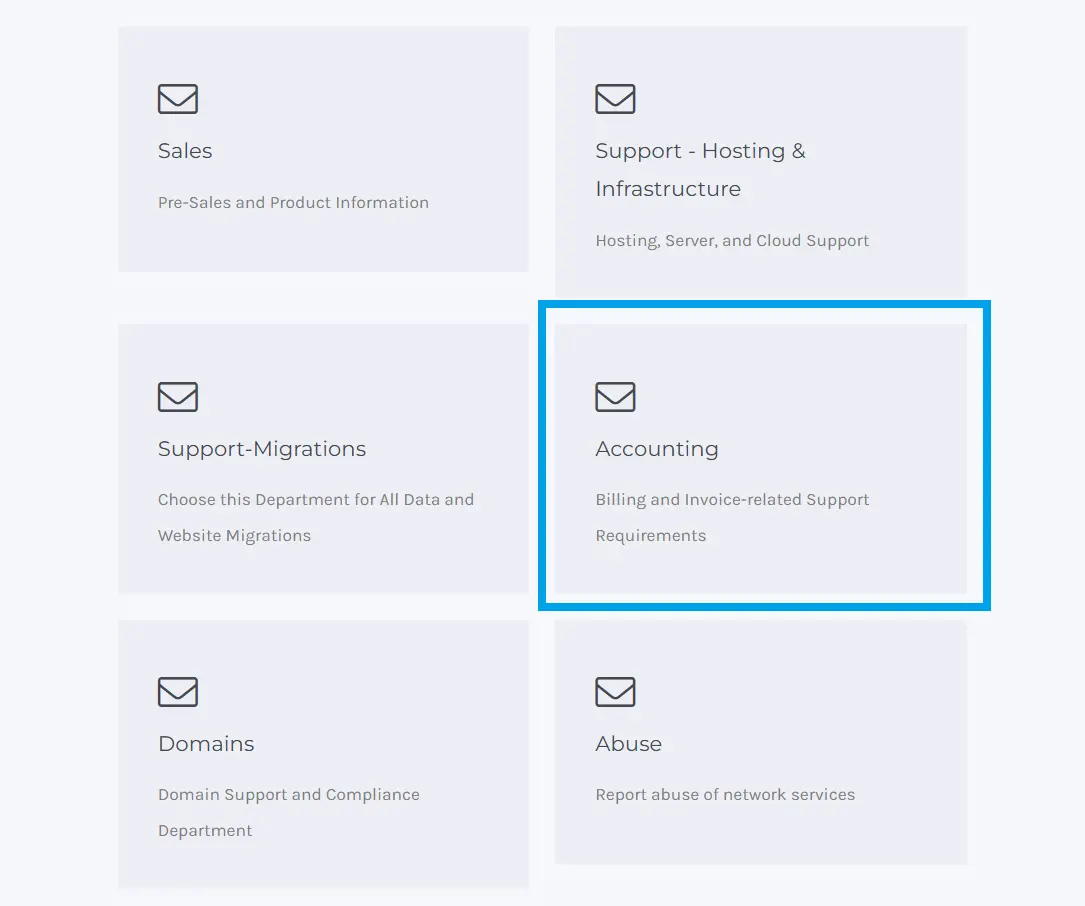
- Choose "Accounting" from the available Support Departments:
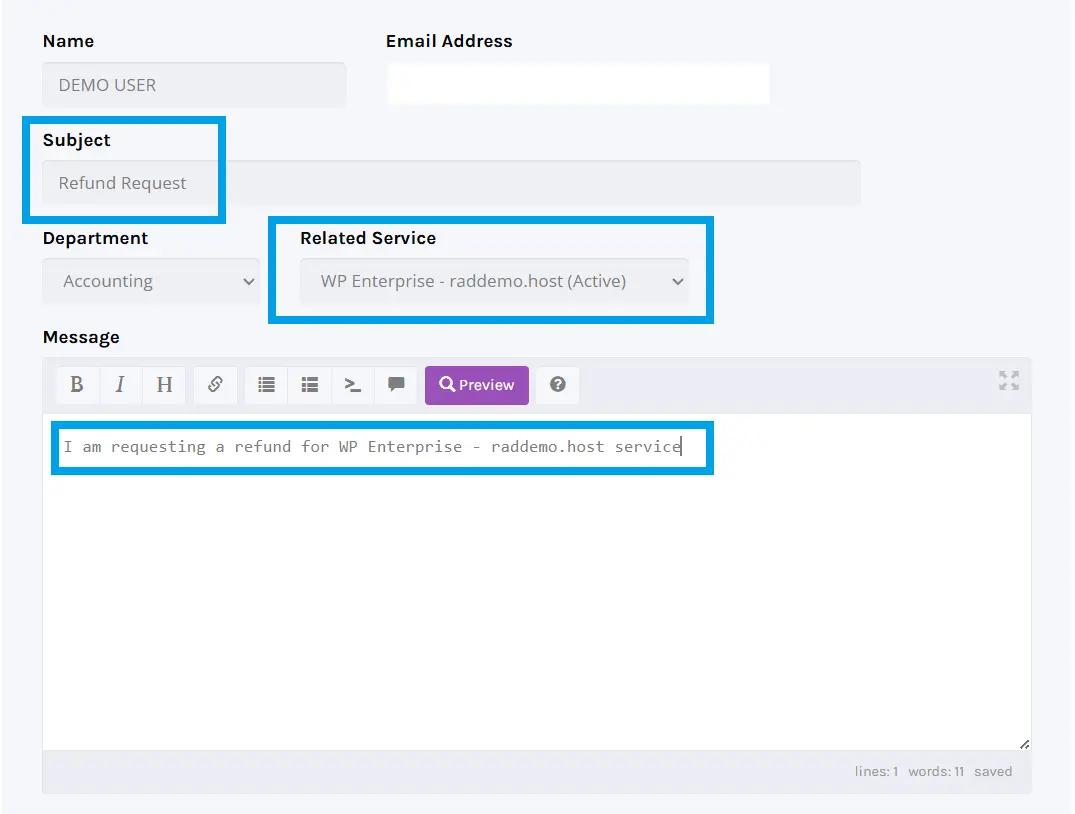
- Use the available fields to set the ticket Subject as "Refund Request", set the appropriate Related Service, and confirm your request in the Message:
- Click "Submit" to submit your ticket.
- Watch for replies from our staff, either confirming your refund request or requesting additional required information.
- Respond to any replies requesting additional information.
Conclusion
You now know how to request a refund for a product or service at Rad Web Hosting.
