
 👀 Choose SSD-powered VPS servers for increased speed, power, and security! Now 50% off- starting from only $3.19/mo.
This article provides a guide for how to configure SMS settings in the Hosting Dashboard.
INFO: SMS Notifications are currently supported for United States, Canada, and phone numbers having country code "1" (i.e. +1.XXX-XXX-XXXX).
How to Configure SMS Settings
To configure SMS settings, follow the steps below:
- Login to the Hosting Dashboard.
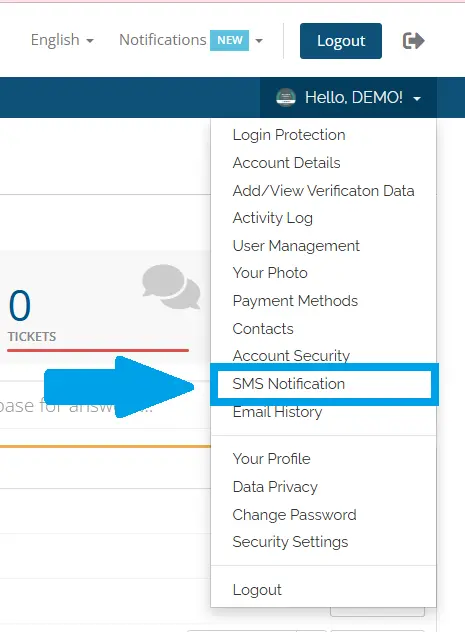
- Navigate to SMS Notification using the navigation menu:
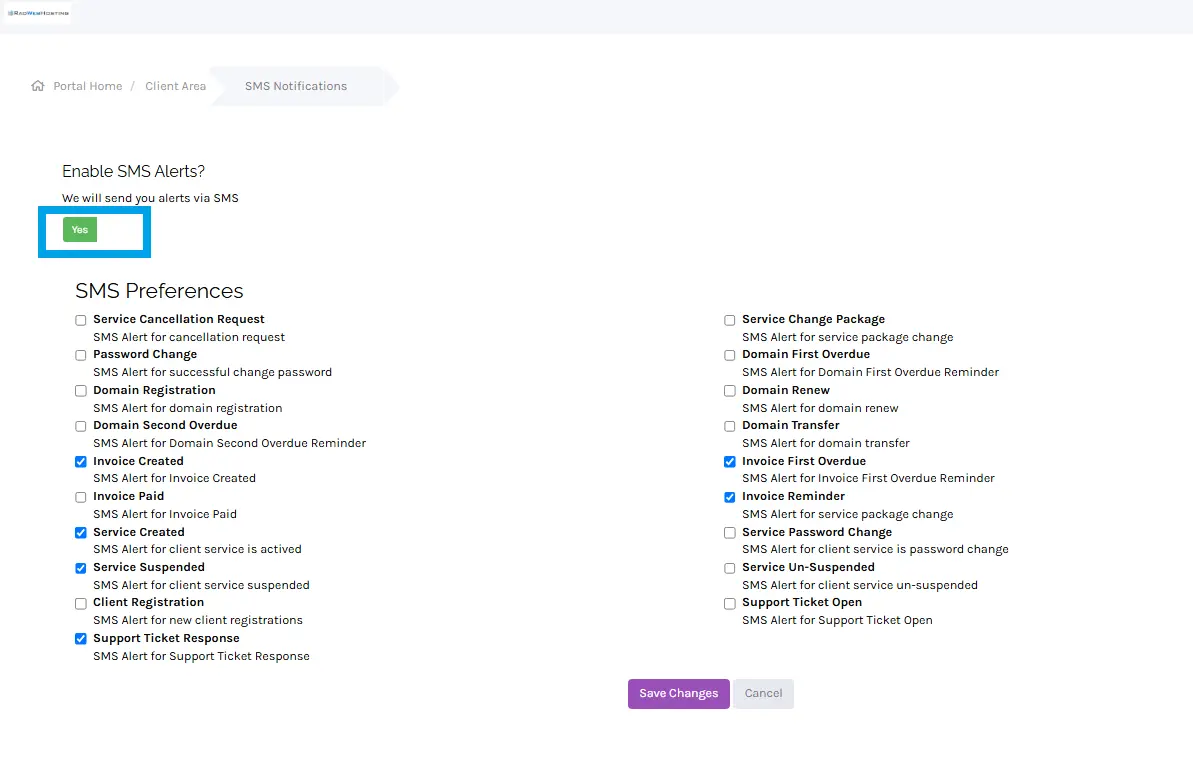
- From the SMS Notification menu, toggle the option to "Yes" for "Enable SMS Alerts?":
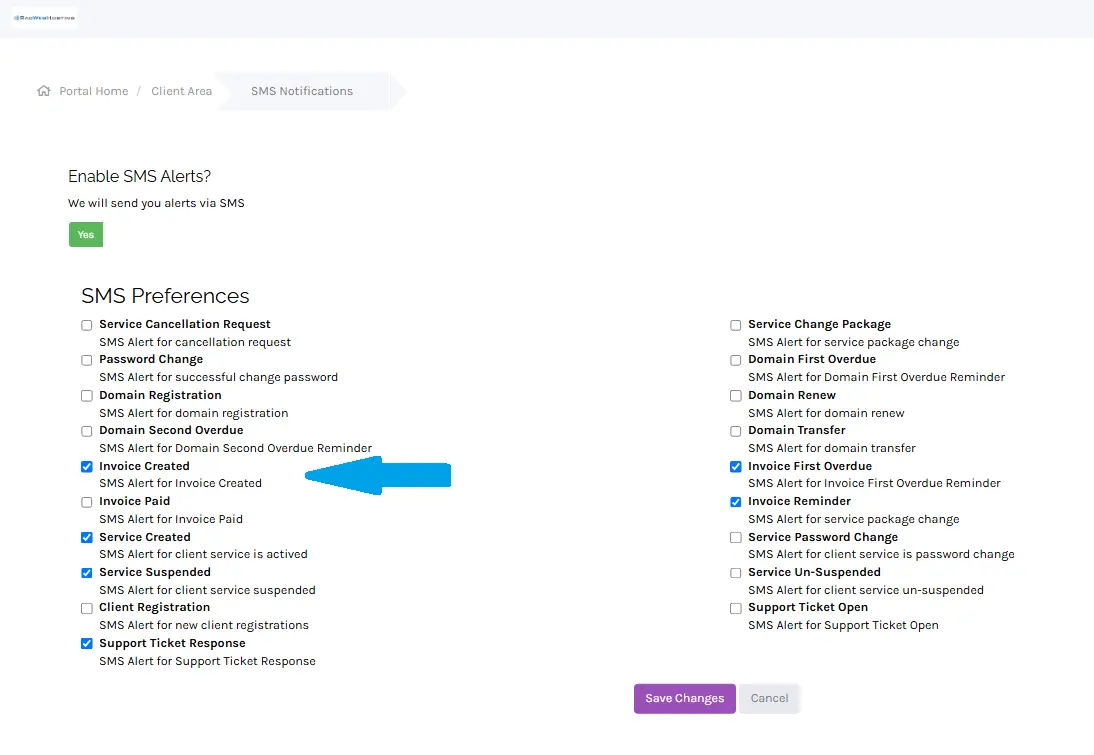
- Configure your SMS Preferences by using the associated tick boxes:
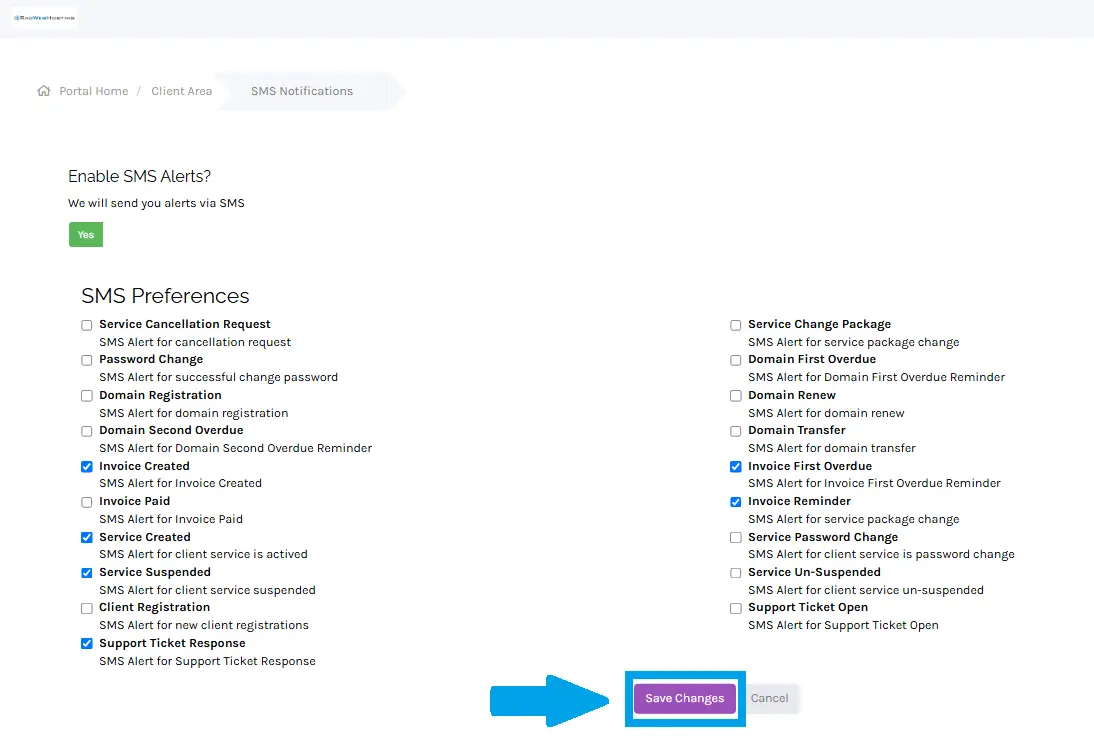
- Click "Save Changes" to save the SMS Notification settings:
Conclusion
You now know how to configure SMS settings for your Hosting Dashboard account.
