
 👀 Choose SSD-powered VPS servers for increased speed, power, and security! Now 50% off- starting from only $3.19/mo.
This article provides a guide demonstrating how to access Roundcube webmail interface to view email for cPanel Shared Hosting accounts.
What is Roundcube Webmail?
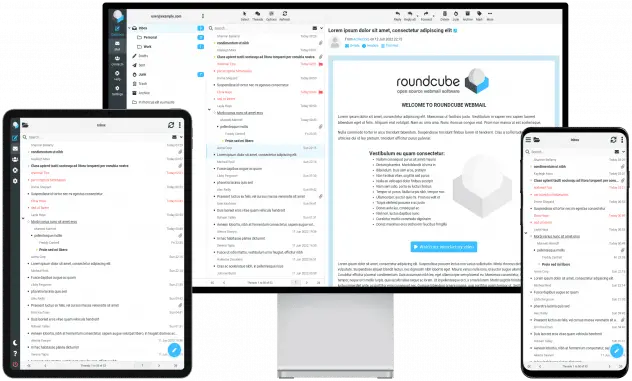
Roundcube Webmail is a free, open-source web-based email client written in PHP. It allows users to access their email through a web browser with a modern, user-friendly interface that mimics the feel of desktop email applications.
Key Features:
- Drag-and-drop support for message management
- WYSIWYG (rich-text) HTML email composition
- IMAP email support (no POP3)
- Address book with group support
- Threaded message view
- Spell checking
- Plugin API for extending functionality
- Multilingual interface (over 80 languages)
- Skinning and theming options for customization
- Integrates well with common mail servers (like Dovecot and Postfix).
- Provides a clean, responsive UI—especially useful for users who want webmail without relying on third-party platforms like Gmail.
How to Access Roundcube Webmail Interface to View Email
To access Roundcube webmail interface to view email for your email account (as account owner), follow these steps:
- Login to your Rad Web Hosting account.
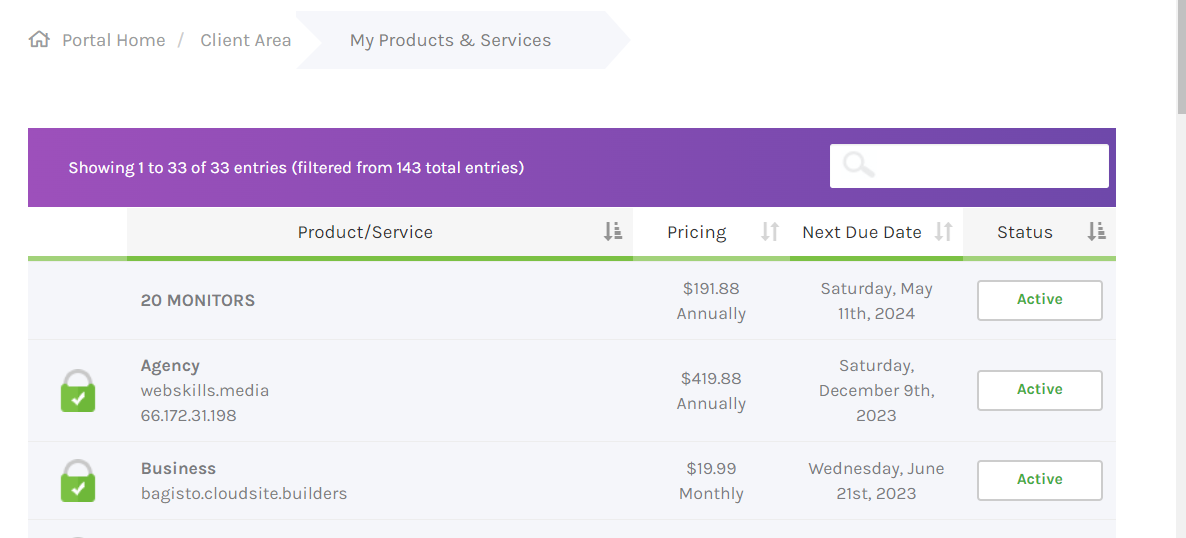
- Visit "My Services"
- Choose the cPanel hosting service from the list of services.
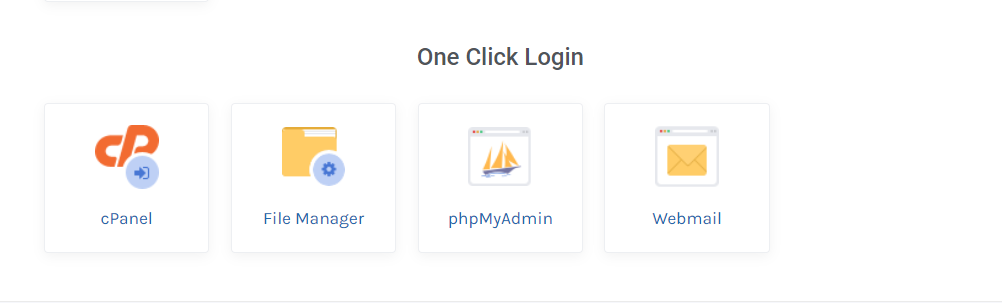
- Scroll down the screen to "One Click Login" list and click "cPanel" icon to automatically login to the cPanel account (this opens in new tab, so be sure to allow popups for your browser).
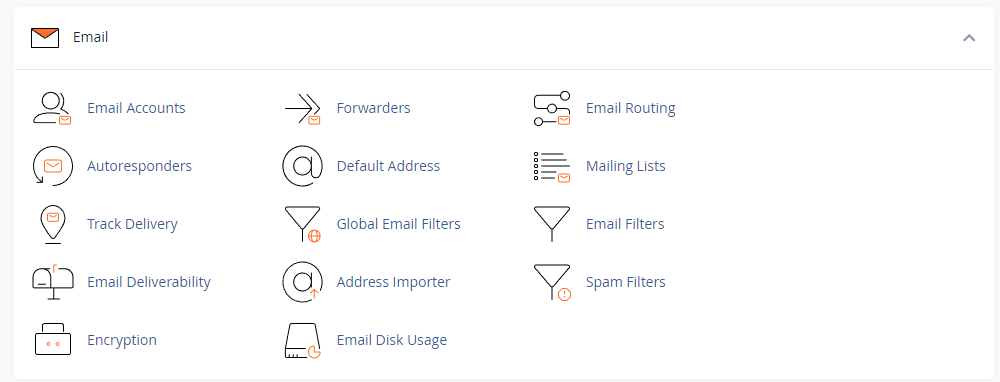
- In the new tab (in cPanel) click "Email Accounts" from the "Email" section (this is usually the top section).
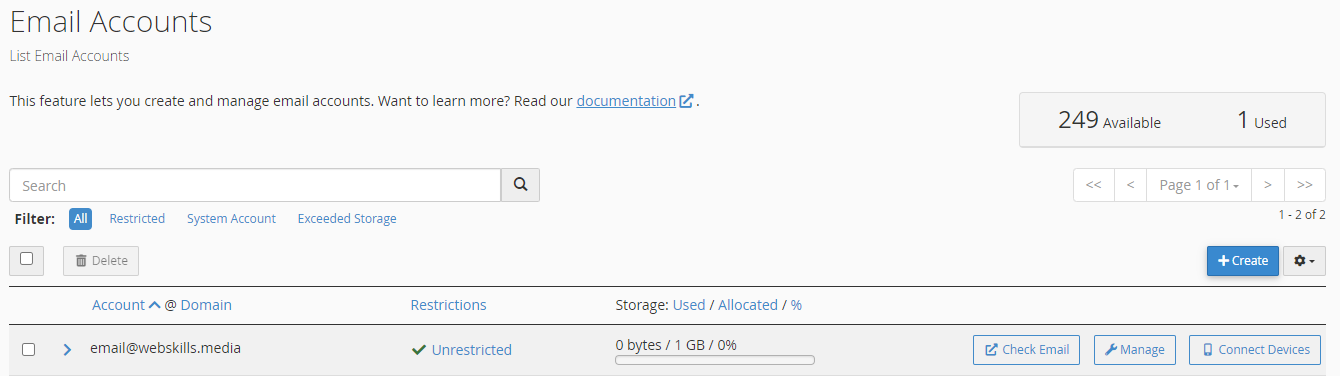
- Find the email address that you want to check mail for and click the corresponding "Check Email" button (this opens in a new tab, so be sure to allow popups for your browser).
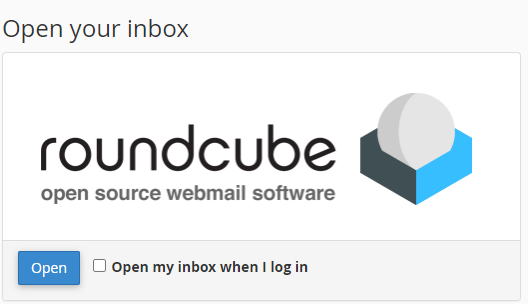
- Under the Roundcube logo, click the "Open" button.
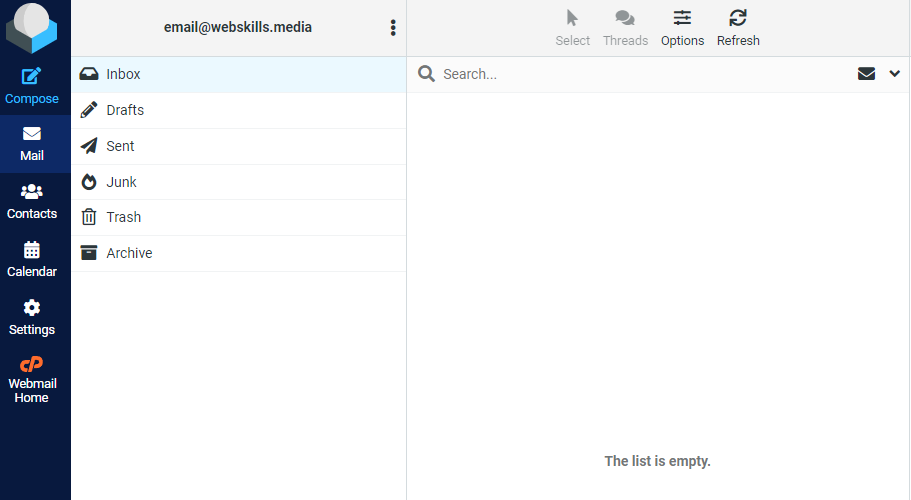
- This will take you to the Roundcube webmail interface for the previously selected email account.
- Repeat steps 3-6 for any other emails you wish to check.
Conclusion
You now know how to access Roundcube webmail interface to view email for your cPanel account.
