
 👀 Choose SSD-powered VPS servers for increased speed, power, and security! Now 50% off- starting from only $3.19/mo.
This article provides a detailed guide for how to install LAMP stack on a Linux VPS using VPS Manager interface.
What is LAMP Stack?
LAMP is an acronym for the common grouping of open-source software packages:
- Linux, for the operating system
- Apache HTTP Server
- MySQL, for the relational database management system
- PHP, Perl, or Python programming language
Install LAMP Stack on VPS using VPS Manager
To install LAMP stack on a VPS server using the VPS Manager interface:
- Login to your Hosting Dashboard account
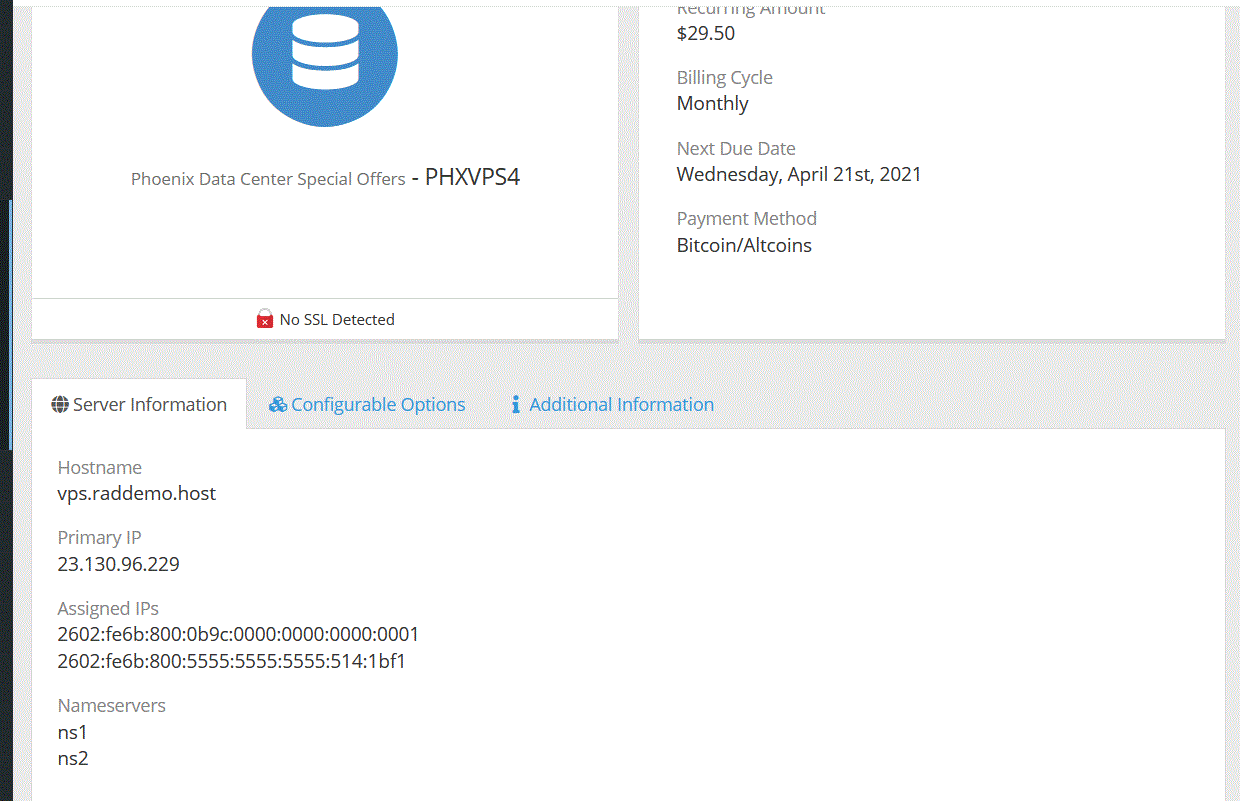
- Access your active services in the Client Area
- Select the VPS server you wish to install LAMP stack
- From the VPS Manager interface, navigate to the VPS details, and select the "Applications" tab to configure the software to be installed.
- For "Select OS" option, use latest Webuzo CentOS 7 image.
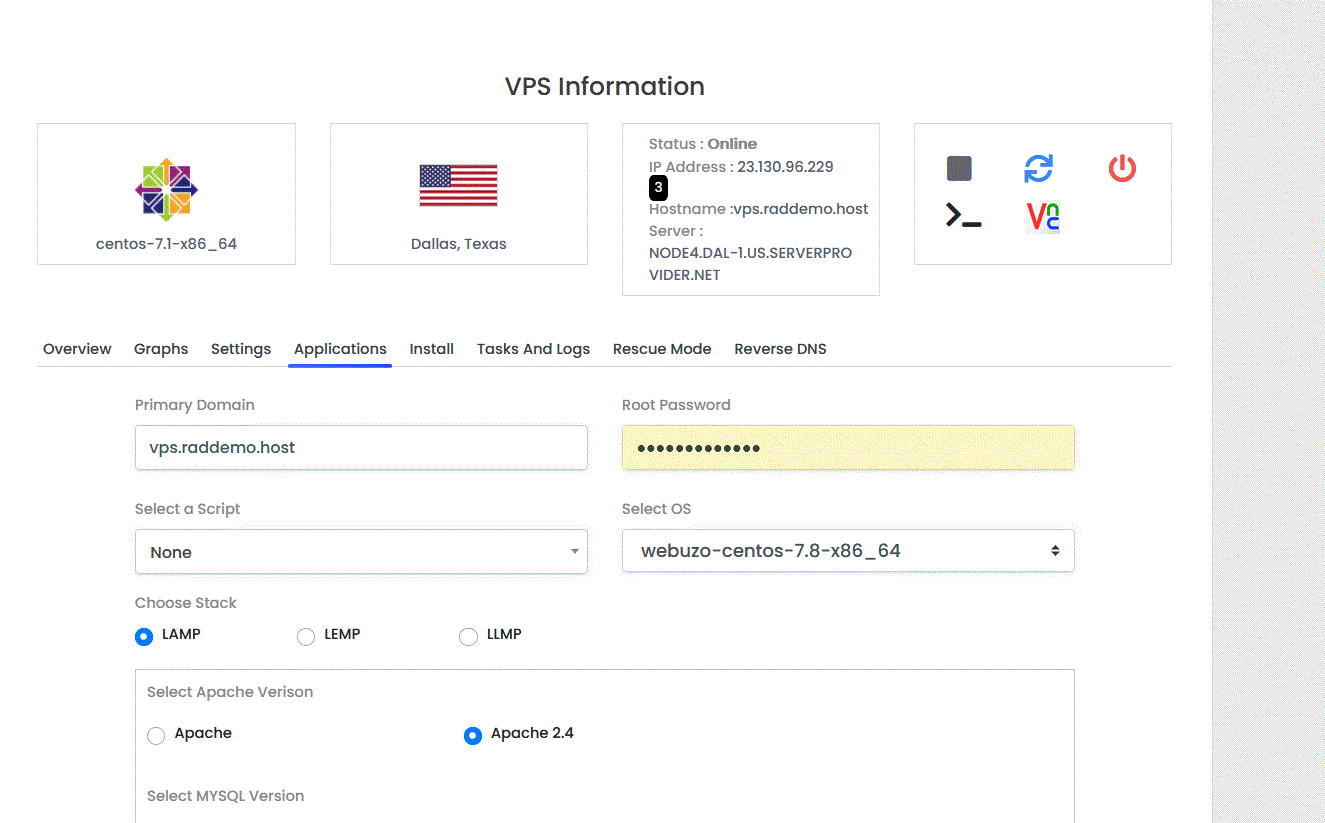
- After customizing the software versions to install, click "Install" to begin installing the packages on your VPS.
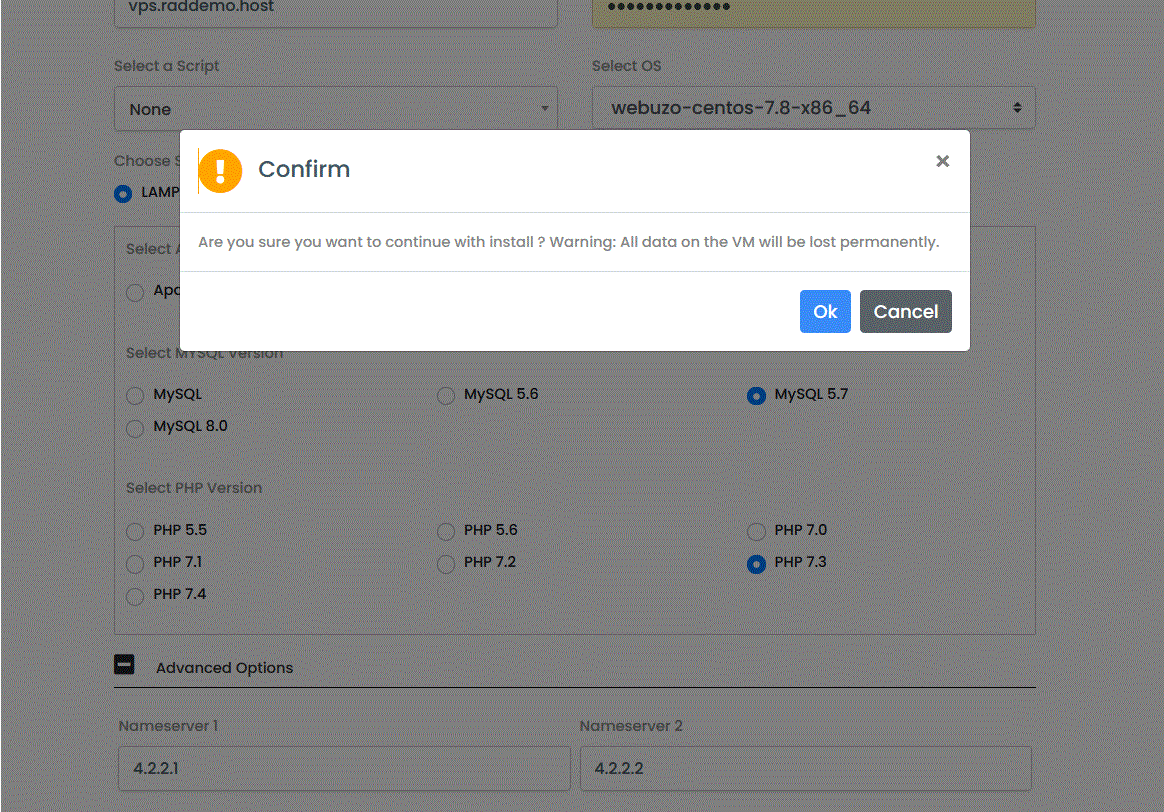
- On the pop-up warning message, confirm the Installation
- Shortly, a message will appear confirming the installation was started successfully.
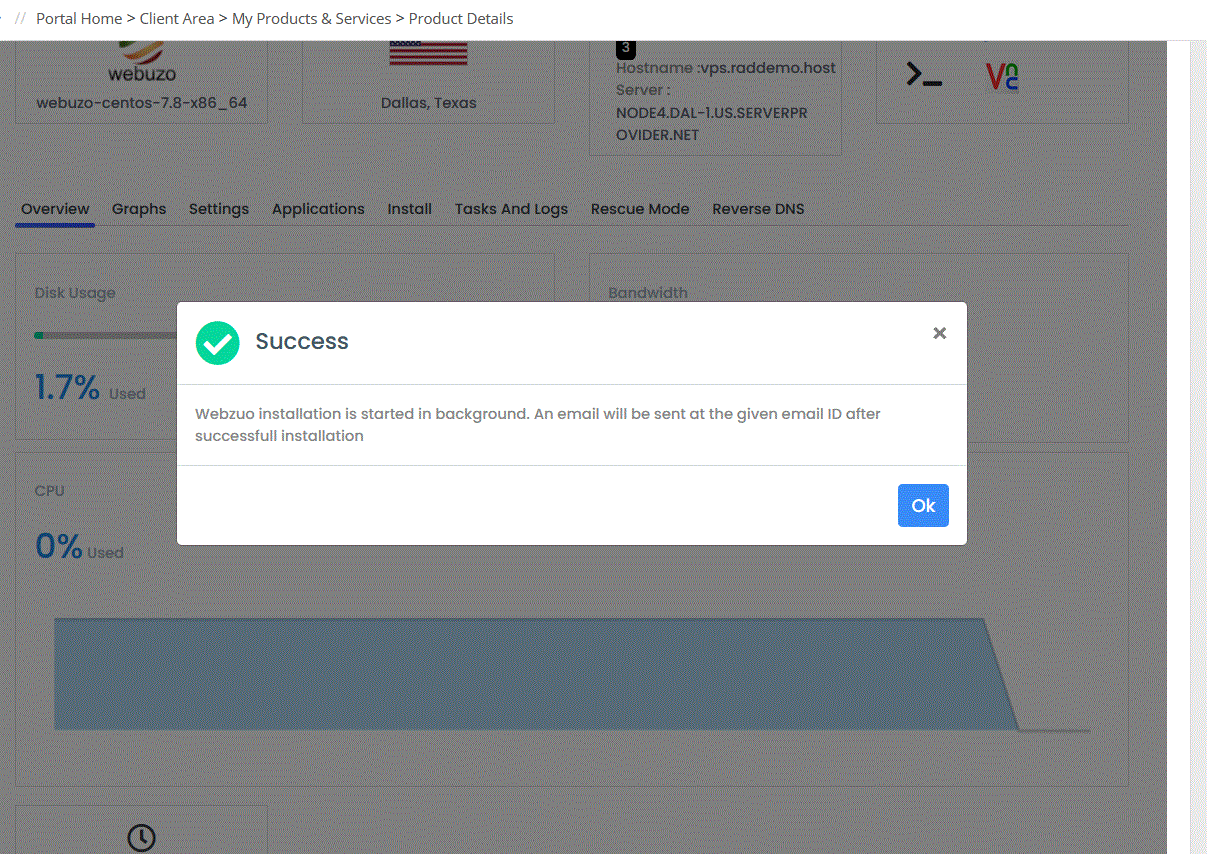
Once the installation is complete, an email will be sent to confirm. You have now successfully installed a LAMP stack on VPS using VPS Manager interface.
