
 👀 Choose SSD-powered VPS servers for increased speed, power, and security! Now 50% off- starting from only $3.19/mo.
Below is a guide for using cpmove to migrate from one cPanel/WHM server to another cPanel server.

Backup cPanel Account
- Log into the cPanel account (as end-user)
- Go to Files > Backup Wizard
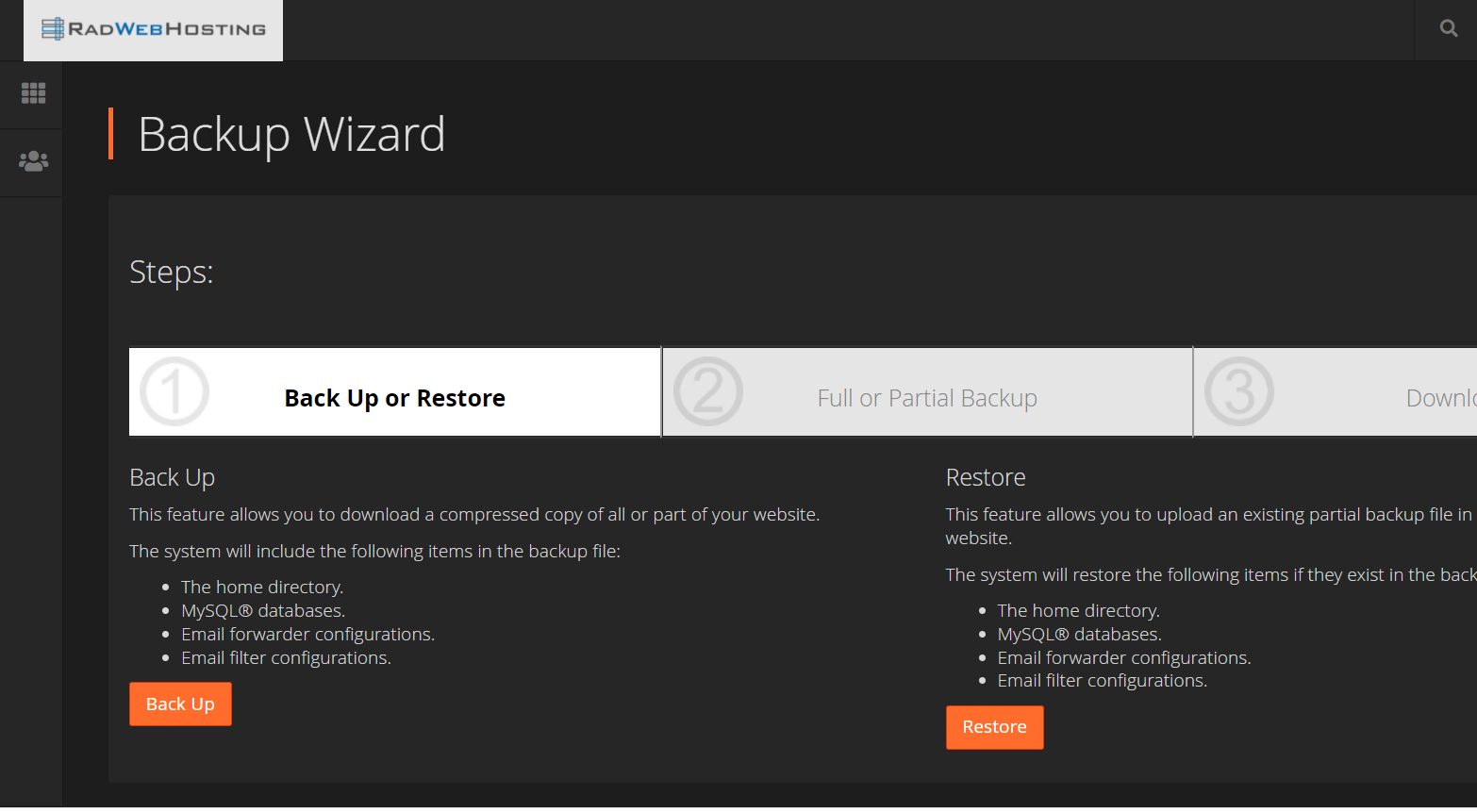
- Select "Backup"
- Select backup directory (must be one of the following)
- Click "Generate Backup"
Once the backup finishes, download it from your home directory.
Restore cPanel Account in WHM
To import cPanel account via WHM on the new host:
- Login to WHM.
- Search for "cpmove"
- Select "Restore a Full Backup/cpmove File" from the menu on the left
- Under Transfer Method, select "Restore From File"
- Browse and select the backup you created/downloaded in the previous step
- The remaining settings should be fine
- Click "Restore"
You can only restore from WHM. If you are trying to restore to a shared hosting account, open a support ticket to have the support technicians complete this process.
Feel free to contact support if you have any questions.
