
 👀 Choose SSD-powered VPS servers for increased speed, power, and security! Now 50% off- starting from only $3.19/mo.
This article provides a guide for how to renew your domain name at Rad Web Hosting.
How to Renew Your Domain Name
To renew your domain name, follow the steps provided below:
- Login to the Hosting Dashboard
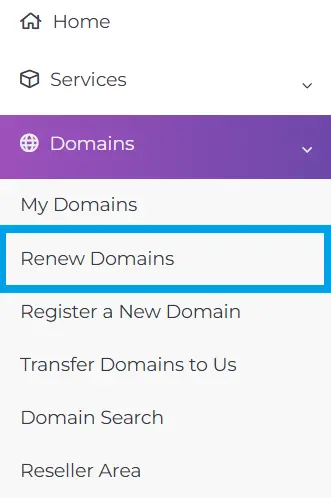
- Navigate to "Domains->Renew Domains" using the side menu:
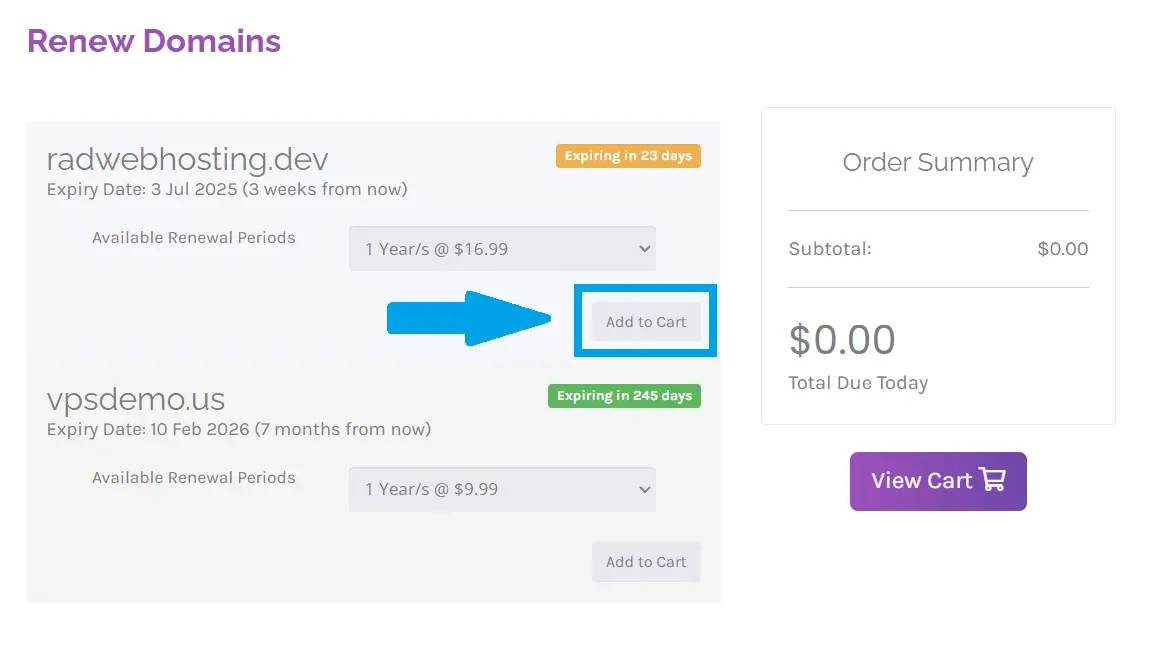
- Select "Add to Cart" for the domain you wish to renew:
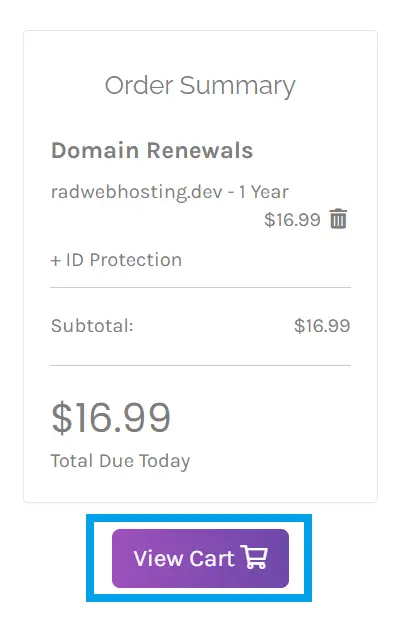
- Click "View Cart" to proceed:
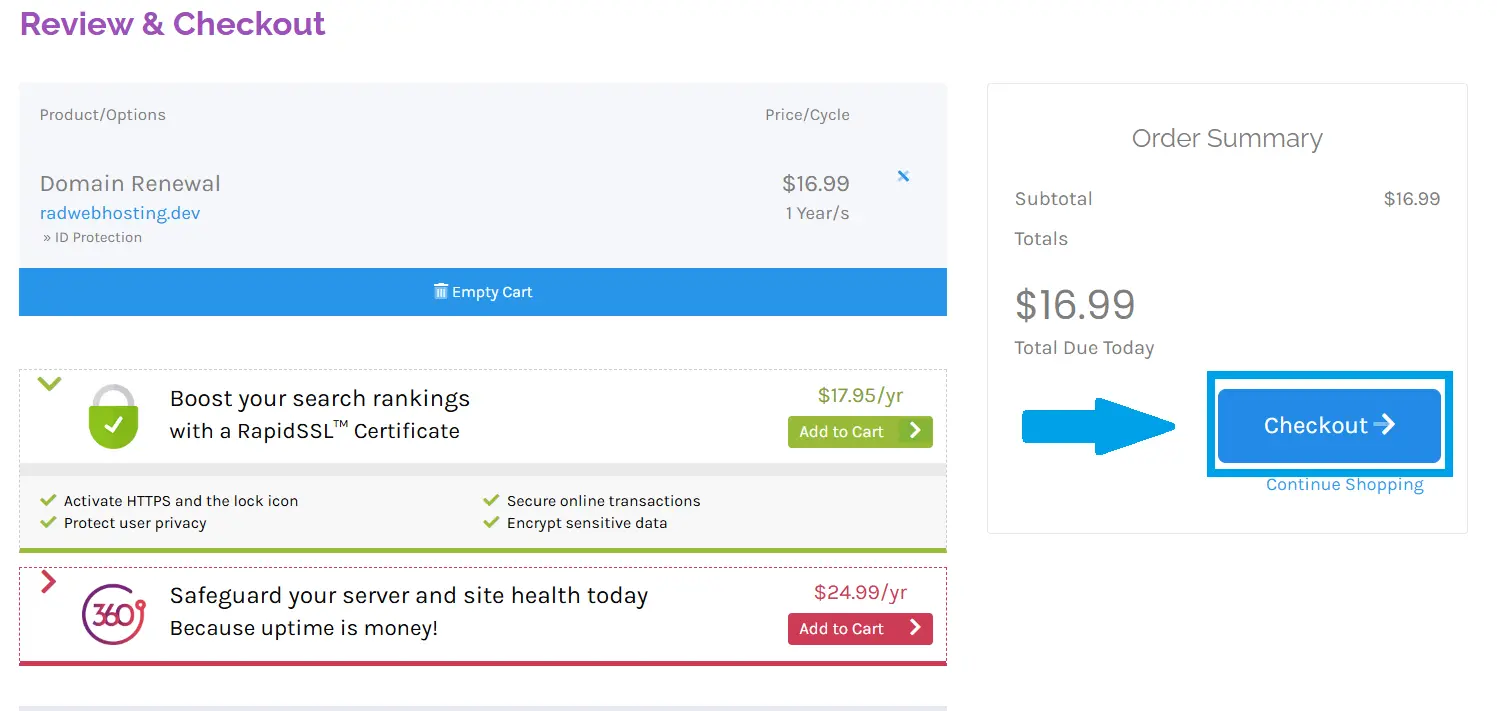
- Navigate to Checkout:
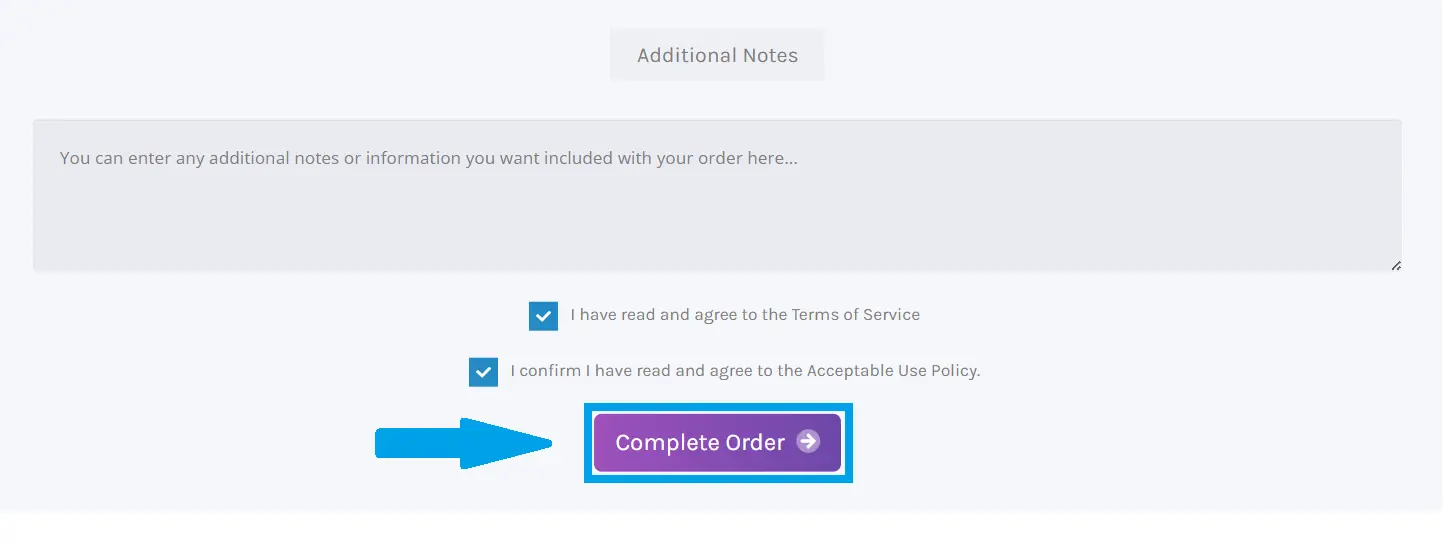
- Add payment information and complete order:
Conclusion
You now know how to renew your domain at Rad Web Hosting.
